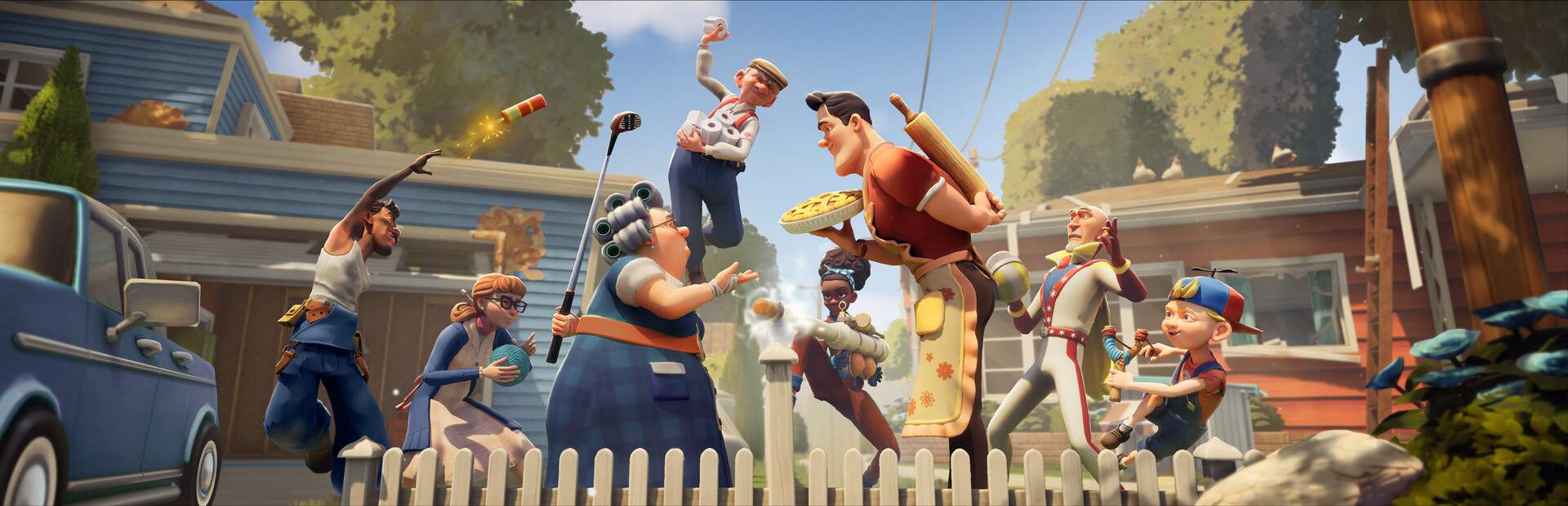
- Neighbors Suburban Warfare PS4 is supported alongside PS5, Xbox, Switch, and PC.
- Cross-platform play lets PS4 users match with friends on any platform.
- April 2025 release from tinyBuild and Eerie Guest Studios, the Hello Neighbor creators.
- Deluxe Edition adds bonus cosmetics and items for PlayStation players.
- Low spec demands mean PS4 hardware runs the 5v5 suburban chaos smoothly.
Is Neighbors: Suburban Warfare on PS4?
Yes — Neighbors: Suburban Warfare launched in April 2025 on PS4, PS5, Xbox One, Xbox Series X|S, Nintendo Switch, and Steam (PC). The PS4 version is a fully-featured port of the multiplayer social stealth game from tinyBuild and Eerie Guest Studios, the team behind the Hello Neighbor franchise. Two teams of neighbors clash in mirrored suburban houses: one side raids for valuables, the other fortifies homes with traps and gadgets.
The official tinyBuild game page and the Steam store listing confirm the cross-platform rollout, so PS4 owners are not left behind for Season 1 content.
| Platform | Available | Notes |
|---|---|---|
| PS4 | Yes | Full release, standard and Deluxe Edition |
| PS5 | Yes | Enhanced version |
| Xbox One / Series X|S | Yes | Full release |
| Nintendo Switch | Yes | Full release |
| PC (Steam) | Yes | Reference platform for patch notes |
PS4 players can squad up with friends on PS5, Xbox, Switch, and PC. Cross-platform play is built in, so platform choice does not split your friend group.
PS4 Performance and Requirements
The game is designed to run on modest hardware, which is good news for PS4 owners holding a decade-old console. For reference, the PC minimum target is a GTX 960-class GPU and 8 GB RAM — well within PS4 territory — so expect stable performance at console-appropriate settings.
| Category | PC Minimum | PC Recommended |
|---|---|---|
| OS | Windows 10 64-bit | Windows 10/11 64-bit |
| CPU | Core i5-3470 / FX-8350 | Core i7-7700 / Ryzen 5 1600 |
| RAM | 8 GB | 16 GB |
| GPU | GTX 960 / R9 280 (2GB) | GTX 1660 / RX 580 |
| Storage | 10 GB | 10 GB SSD |
The install footprint is small — around 10 GB. Even a PS4 with a crowded hard drive should fit it without a purge.
Since the PS4 version carries the same content calendar as other platforms, gadget balance patches and Season 1 rewards arrive on the same schedule rather than lagging behind current-gen consoles.
Getting Started on PS4: Step-by-Step
Pick Your Edition
Choose between the Standard Edition or the Deluxe Edition, which includes bonus cosmetics and items. Cosmetic differences only — gameplay parity is maintained.
Learn the Core Controls
Practice movement, crouch-walking, grabbing, and throwing objects. Sprinting generates noise that defenders can hear, so crouch-walk on infiltration runs.
Understand Win Conditions
Attackers steal valuables and complete basement objectives; defenders protect loot, catch intruders, and run down the timer. Watch the objective HUD.
Load Your Loadout
Equip gadgets like the Crowbar for breaking barricades or Smoke Bombs to hide objective interactions. Items have cooldowns — use them deliberately.
Queue Cross-Play
Enable cross-platform matchmaking in settings and invite friends from any platform before your first ranked push.
Spend the opening 30 seconds scouting the enemy house through windows before committing to a route. Map knowledge beats kills in your early matches.
Best Loadouts for PS4 Players
Controller play slightly favors loadouts that reward positioning over twitch aiming. These picks translate well to a gamepad.
Stealth Runner
- Scout-style build with Silent Step perk
- Firecracker for decoy noise
- Silent Step + Firecracker = uncontested objective pushes
Path Opener
- Crowbar for barricades and melee
- Pairs with Quick Hands for fast locks
- Dedicated entry creator for the team
Home Anchor
- Bear Trap + Camera combo
- Locks chokepoints and monitors blind corners
- Strongest near high-value loot rooms
| Gadget | Type | Best Use |
|---|---|---|
| Bear Trap | Defensive | Window landings, behind doors |
| Firecracker | Offensive | Pulling defenders to a fake entry |
| Crowbar | Offensive tool | Barricade breaks, melee |
| Glue Trap | Defensive | Escape routes during chases |
| Camera | Defensive | Objective room blind corners |
| Smoke Bomb | Offensive | Hiding objective interactions |
Do not stack every trap at the front door. Attackers expect a wall at the entry — layer cheap deterrents outside and keep your strongest gadgets deep inside near the loot.
PS4 Player Checklist
Before Your First Week:
- Confirm cross-play is enabled in settings
- Complete the tutorial to unlock Angry Neighbor
- Reach player level 5 for Granny
- Learn fence gaps and garage side windows on Classic Suburb
- Assign team roles: distraction runner, carrier, home defender
Bulky items like TVs slow the carrier dramatically. Clear an exit path first and never grab heavy loot while enemies are respawning nearby.
PS4 FAQ
Q: Is Neighbors: Suburban Warfare available on PS4?
Yes. The game launched in April 2025 on PS4 alongside PS5, Xbox One, Xbox Series X|S, Nintendo Switch, and Steam, with all platforms receiving the same seasonal content.
Q: Can PS4 players play with PS5 and Xbox friends?
Yes. Neighbors: Suburban Warfare supports cross-platform play, so PS4 users can matchmake and squad up with players on every supported platform.
Q: Does the PS4 version have fewer gadgets or maps?
No. The PS4 version carries the same gadget roster of 20+ items, maps, and Season 1 rewards as other platforms, delivered on the same patch schedule.
Q: Which edition should PS4 players buy?
The Standard Edition includes full gameplay access. The Deluxe Edition adds bonus cosmetics and items only, so competitive players lose nothing by choosing Standard.