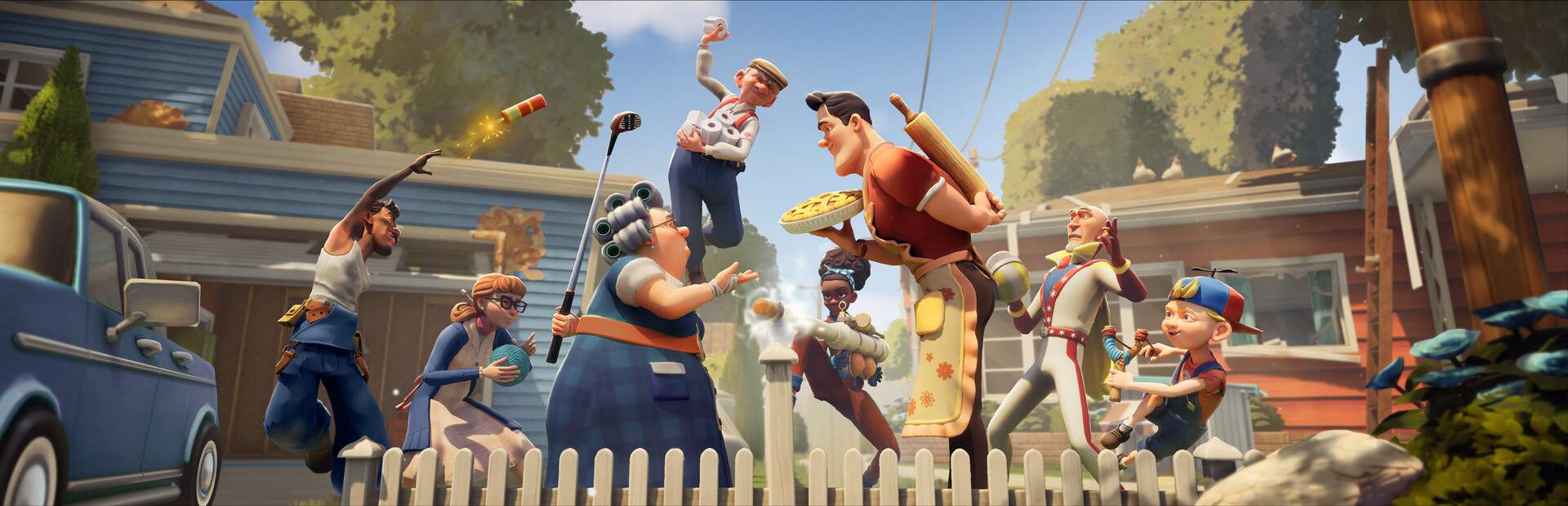
- Neighbors Suburban Warfare on Nintendo Switch: the game supports Nintendo Switch alongside Steam, Xbox, and PlayStation with cross-platform play.
- 5v5 social stealth: two teams of neighbors compete in mirrored suburban houses — steal valuables or defend your home.
- Best Switch picks: Scout and Engineer top the meta for both infiltration and defense.
- Performance tip: prioritize map knowledge and trap placement over raw speed on handheld hardware.
- Source for updates: follow tinyBuild's official page for patch and season news.
Neighbors Suburban Warfare Nintendo Switch Availability
Neighbors: Suburban Warfare, the 5v5 multiplayer social stealth game from tinyBuild and Eerie Guest Studios, launched in April 2025 across multiple platforms. The Nintendo Switch is among the supported platforms, joined by Steam (PC), Xbox Series X|S, Xbox One, PS5, and PS4 — all connected through cross-platform play.
That means Switch owners can queue into matches with friends on any other platform, which matters enormously for a team-based game built around coordinated raids and defenses.
Because matches are cross-platform, your Switch friends never need a second copy on PC. Form a full five-neighbor squad across devices before matchmaking — coordinated teams consistently beat solo-queue opponents.
| Platform | Availability | Cross-Play |
|---|---|---|
| Nintendo Switch | Yes | Supported |
| Steam (PC) | Yes | Supported |
| Xbox Series X | S / Xbox One | Yes |
| PS5 / PS4 | Yes | Supported |
For PC players curious about hardware, the minimum spec is modest — an Intel Core i5-3470, 8 GB RAM, and a GTX 960 — so the Switch version fits comfortably within the game's performance envelope.
How the Core Gameplay Works on Switch
Every match takes place across mirrored suburban houses and shared yards. One side sneaks in to steal high-value items; the other fortifies, traps, and chases. The Switch's portability suits the game's fast match pacing, though handheld players should lean on smart play over twitch reflexes.
Infiltration
- Scout through windows first
- Use fences, vents, and garage entrances
- Smoke bombs hide objective interactions
Defense
- Layer traps deep inside the house
- Cameras watch blind corners
- Memorize your own layout
Teamwork
- Split roles: distraction, carrier, defender
- Call out loot values
- Coordinate simultaneous pushes
Sprinting generates noise that alert players can hear. On Switch, crouch-walking is doubly valuable — it keeps you quiet and compensates for the smaller screen when scanning for defenders.
Best Characters for Switch Players
Character choice matters more on Switch, where precise aiming matters less than smart ability usage. Based on skill strength, map utility, and ease of use, here is how the roster stacks up.
| Tier | Character | Key Skill | Best Use |
|---|---|---|---|
| S | Scout | Silent Step — near-silent movement, reveals traps | Objective rushing |
| S | Engineer | Trap Mastery — upgraded traps, shorter cooldowns | Home defense |
| A | Brawler | Heavy Swing — knockdowns, breaks barricades | Frontline combat |
| A | Trickster | Decoy Doll — controllable footsteps decoy | Misdirection |
| B | Medic | Field Patch — ranged revive and speed-up | Sustained pushes |
| B | Lockpick | Quick Hands — faster locks and containers | Key objectives |
| C | Jumper | Spring Leap — vertical wall jumps | Escapes |
Scout is the strongest pick for Switch players. Silent Step requires no precise input, reveals nearby traps automatically, and lets you win matches through positioning rather than mechanical skill.
Step-by-Step: Winning Your First Switch Matches
Learn the Controls in Tutorial
Practice movement, crouching, grabbing, and throwing objects. Complete the tutorial to unlock the Angry Neighbor bruiser as a bonus.
Study the Maps
Learn fence gaps, garage windows, and second-floor escapes on Classic Suburb and Raven Brooks before ranked play. Check the objective HUD constantly.
Pick a Role and Stick to It
Choose Scout for infiltration or Engineer for defense. Master one character before rotating through the roster.
Layer Your Defenses
Place cheap deterrents at entry points and your best gadgets around high-value rooms. Never stack everything at the front door.
Communicate Loot Value
Call out marked items and point values. Save heavy loot runs (TVs, furniture) for when teammates can hold doors open.
On Classic Suburb, the garage side window drops you near the stairs — ideal for a quick second-floor run at the master bedroom safe while teammates bait through the backyard.
Pre-Match Checklist and Updates
Before Every Session:
- Check the official tinyBuild page for patch notes
- Confirm cross-play is enabled in settings
- Redeem any active cosmetic codes in Settings
- Warm up with one bot or casual match
- Review one map's entry routes before ranked
The game runs seasonal content — Season 1 was live at launch with ongoing rewards. Switch owners get the same seasons, balance changes, and cosmetic drops as every other platform. For the latest updates, the official Discord and Steam page post patch notes first.
| Resource | Link | Use |
|---|---|---|
| Official site | tinybuild.com/games/neighbors-suburban-warfare | News and trailers |
| Discord | discord.gg/tinybuild | Patch notes, LFG |
| reddit.com/r/HelloNeighborGame | Community strategies |
FAQ
Q: Is Neighbors: Suburban Warfare available on Nintendo Switch?
Yes. The game released in April 2025 across Steam, Xbox, PlayStation, and Nintendo Switch, with cross-platform play supported between all platforms.
Q: Can Switch players match with PC and console friends?
Yes. Cross-platform play is enabled, so a full five-player team can mix Switch, Steam, Xbox, and PlayStation players in the same match.
Q: Which character should Switch beginners pick?
Scout is the top choice. Silent Step requires no precise aiming, reveals traps passively, and wins matches through smart positioning — ideal for handheld play.
Q: How do I redeem cosmetic codes on Switch?
Launch the game, open Settings, select Redeem Code, and enter an active code. Codes are distributed through tinyBuild's official X account and community events, so verify status before redeeming.